



Latest Version
HP Inc.
General
Mac
Free
1474276998
Report a Problem
More About HP: Print and Support
The Simple Fix for Mac Printing and Scanning Hurdles
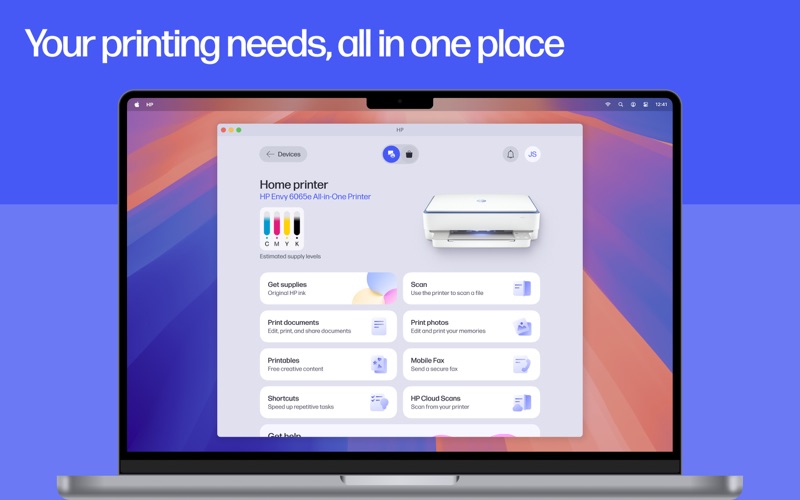
Few office tasks are as universally frustrating as trying to connect a computer to a printer when you are in a rush. Whether you need to sign a time-sensitive contract, print out a school project, or scan a stack of receipts for tax season, hardware communication issues always seem to happen at the worst times. The HP: Print and Support utility for macOS aims to solve these exact pain points by consolidating setup, daily operations, and troubleshooting into a single, cohesive desktop dashboard.
Developed by HP Inc., this application (formerly known as HP Smart) serves as a centralized hub designed to bridge the gap between your Mac and your HP hardware. Instead of forcing users to hunt for drivers or navigate complex system settings, it streamlines the entire ownership experience from day one.
Key Features of the HP: Print and Support Utility
This software is packed with practical tools designed to make document management straightforward. Here is what stands out during daily use:
- Guided Device Setup: The application does the heavy lifting when configuring new hardware, guiding you step-by-step to get your printer online quickly.
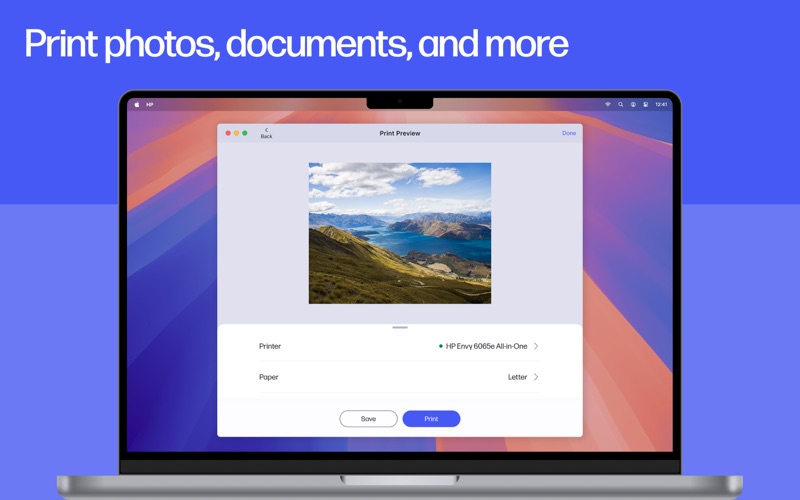
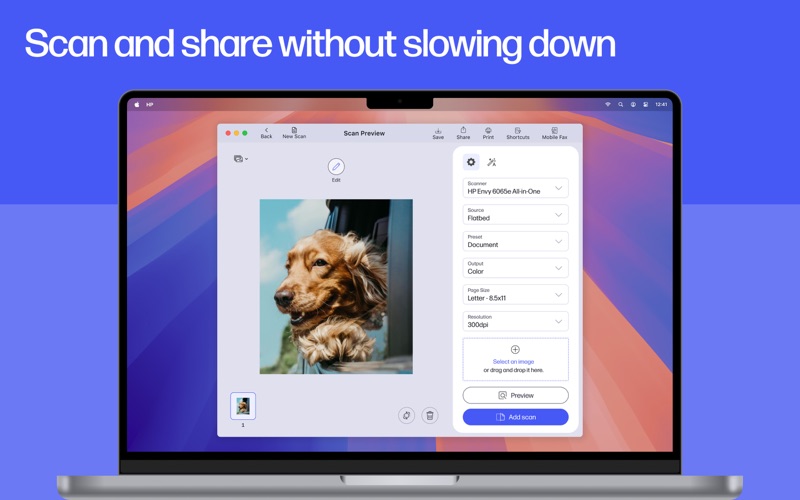
- Consolidated Document Management: Easily print files, scan physical documents, and crop or edit images before committing them to paper.
- Real-Time Supply Monitoring: Keep track of your printer's health with instant notifications regarding low ink, toner, or paper levels.
- Direct Support Channels: Access live chat, phone assistance, and troubleshooting guides directly within the interface when issues arise.
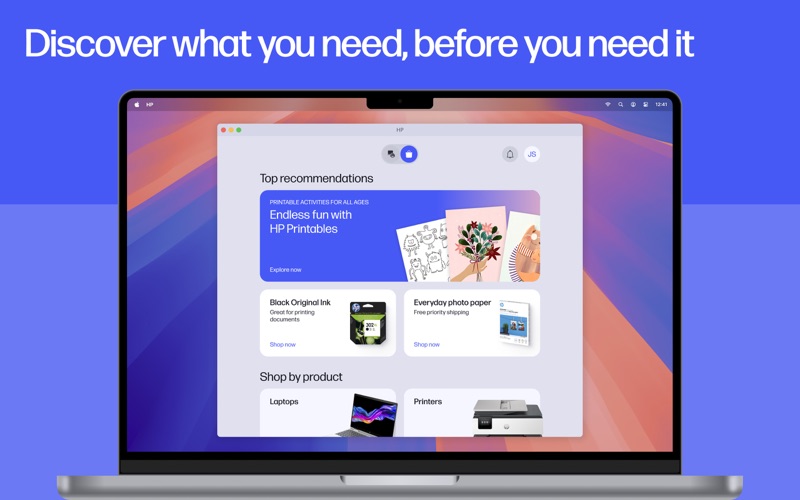
- HP Printables: Gain access to a library of helpful templates, including educational worksheets, crafts, and customizable cards for personal use.
Streamlining Your Daily Workflow
For remote professionals and busy households alike, the HP: Print and Support utility minimizes the friction of document processing. The ability to scan directly to your email, set up custom shortcuts for repetitive tasks, and automatically extract text or flatten pages makes it much more than a simple driver package. It acts as an active assistant that optimizes your digitized files for professional clarity.
Is It Right For You?
If you own an HP printer and use a macOS device, this application is an essential addition to your workflow. It replaces fragmented legacy software and outdated utilities with a modern, clean interface that respects your time. While some advanced features require an active internet connection and an HP account, the baseline convenience it offers to everyday users is undeniable.
To experience smoother printing and scanning on your Mac, check out the official Mac App Store page to find the latest version of the HP: Print and Support utility and integrate it into your workspace today.
Rate the App
User Reviews












Popular Apps










Editor's Choice