Latest Version
Kamil Prusko
Health
Linux
Free
io.github.focustimerhq.FocusTimer
Report a Problem
More About Focus Timer Review: Essential Linux Productivity Tool
Picture this: you have been staring at your Linux terminal or IDE for three hours straight. Your eyes are strained, your neck is stiff, and your coding efficiency has plummeted. In the zone of deep work, it is incredibly easy to lose track of time until physical fatigue sets in. The Focus Timer productivity app is designed specifically to break this cycle, helping Linux users maintain peak mental clarity throughout the day.
What is the Focus Timer Productivity App?
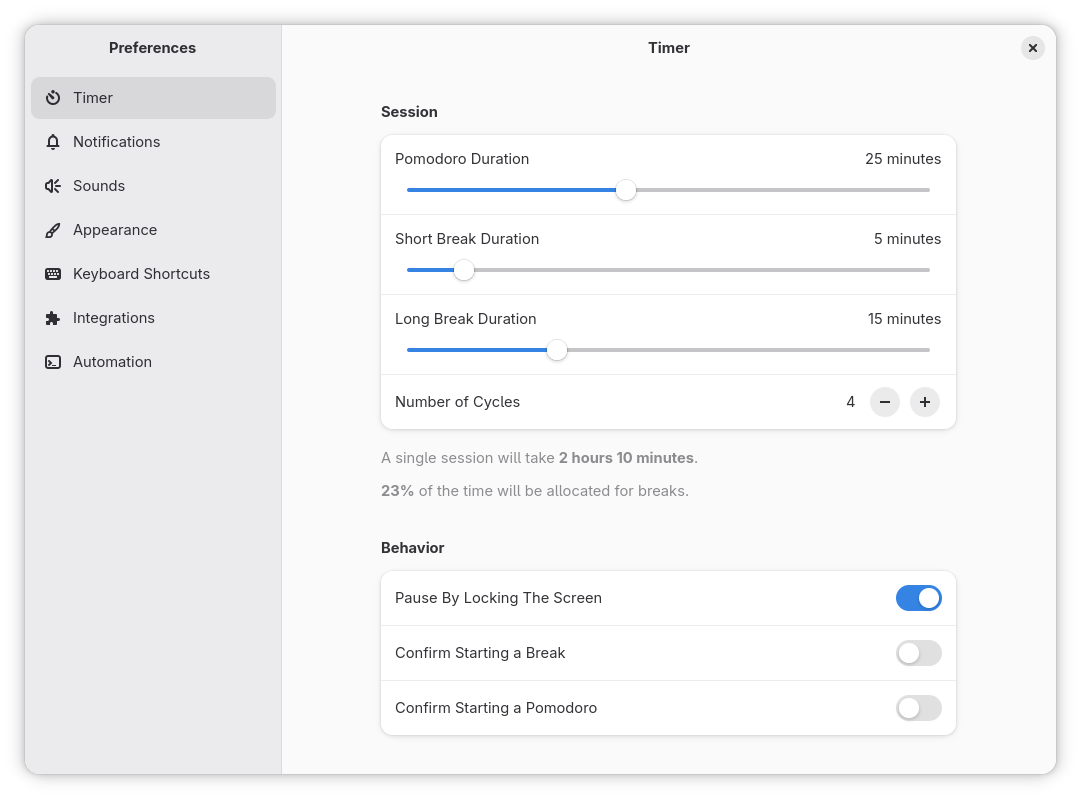
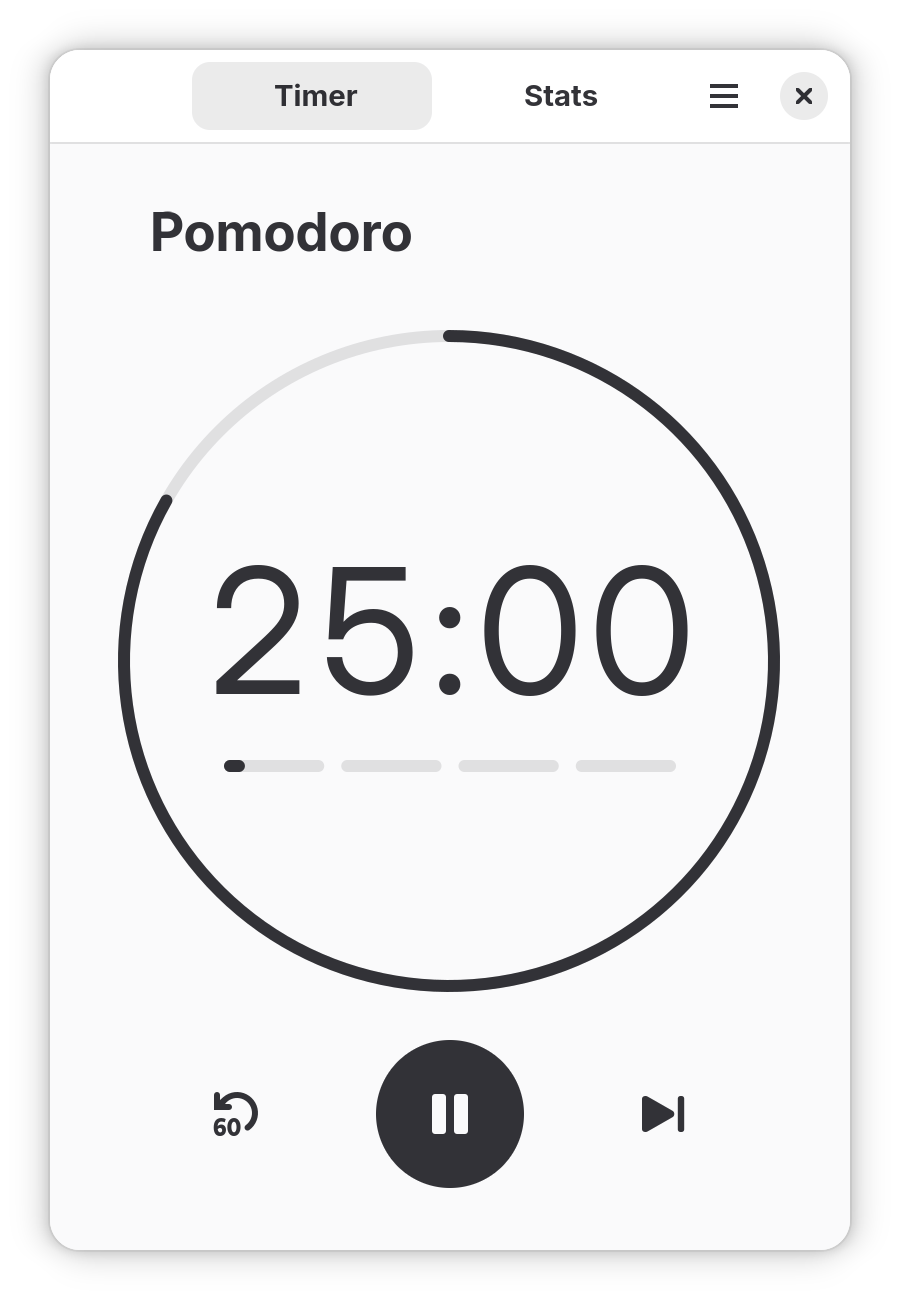
Developed by Kamil Prusko, this application is a lightweight, open-source utility tailored for the Linux ecosystem. It leverages the classic time-blocking technique—structuring your workday into 25-minute sessions of deep concentration followed by 5-minute recovery periods. By encouraging regular, structured breaks, it actively prevents burnout and keeps your mind sharp.
Key Features for Power Users
While many simple timers exist, this tool stands out due to its deep integration with the Linux desktop environment. Here are the core features that make it a compelling choice:
- Customizable Sessions: Tailor your active working intervals and break durations to match your personal cognitive rhythm.
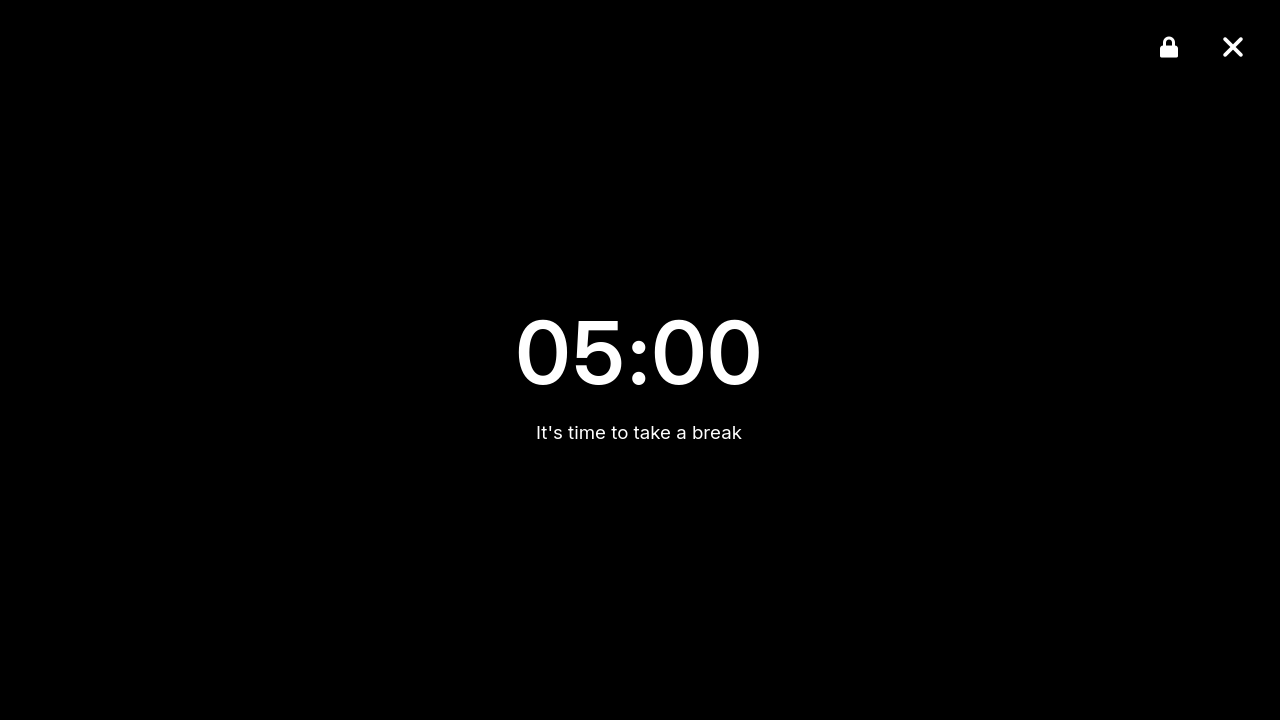
- Intrusive Break Overlays: When it is time to rest, a full-screen overlay helps enforce the break, stopping you from ignoring the alarm and overworking.
- System Tray & Hotkeys: Control your sessions instantly with global keyboard shortcuts and a clean system tray icon.
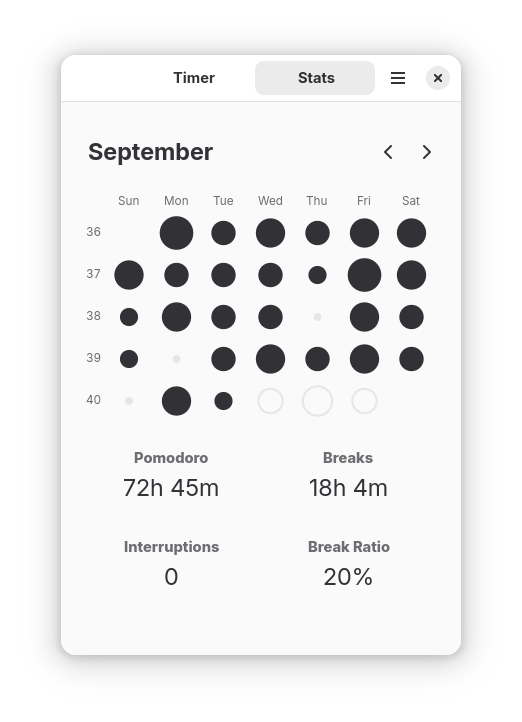
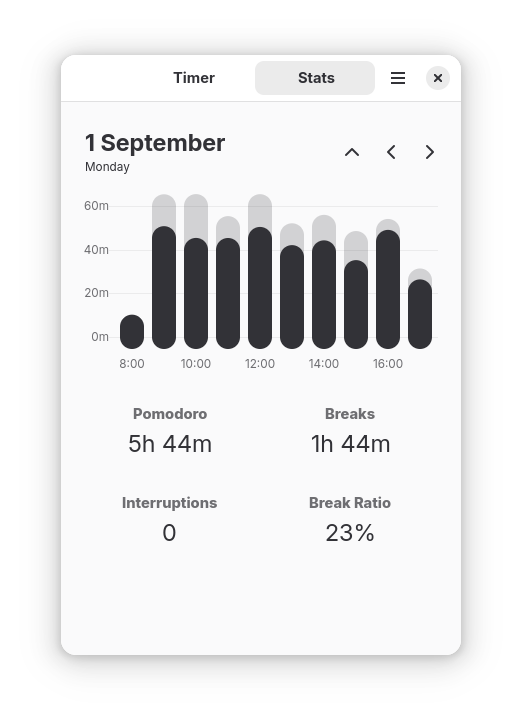
- Detailed Analytics: Track your focus trends over time with built-in daily, weekly, and monthly performance statistics.
- Advanced Extensibility: Perfect for developers, it supports integration via custom shell commands, D-Bus, and a command-line interface (CLI).
- GNOME Shell Extension: Enjoy a cohesive desktop experience with direct GNOME system integration.
Who is This Tool For?
The Focus Timer productivity app is an exceptional fit for developers, system administrators, and digital creators on Linux who require a distraction-free environment. Because it offers robust CLI and D-Bus extensibility, power users can easily script it to trigger custom events—such as pausing media players or changing status indicators when a focus session begins.
Our Editorial Verdict
For Linux users seeking a highly integrated, customizable, and developer-friendly time management solution, this application delivers outstanding utility without unnecessary bloat. It respects your workflow while protecting your physical and mental well-being.
To try this utility on your system, head over to the official Flathub store page to explore its installation options and get started.
Rate the App
User Reviews











Popular Apps










Editor's Choice